
GoPro Karma
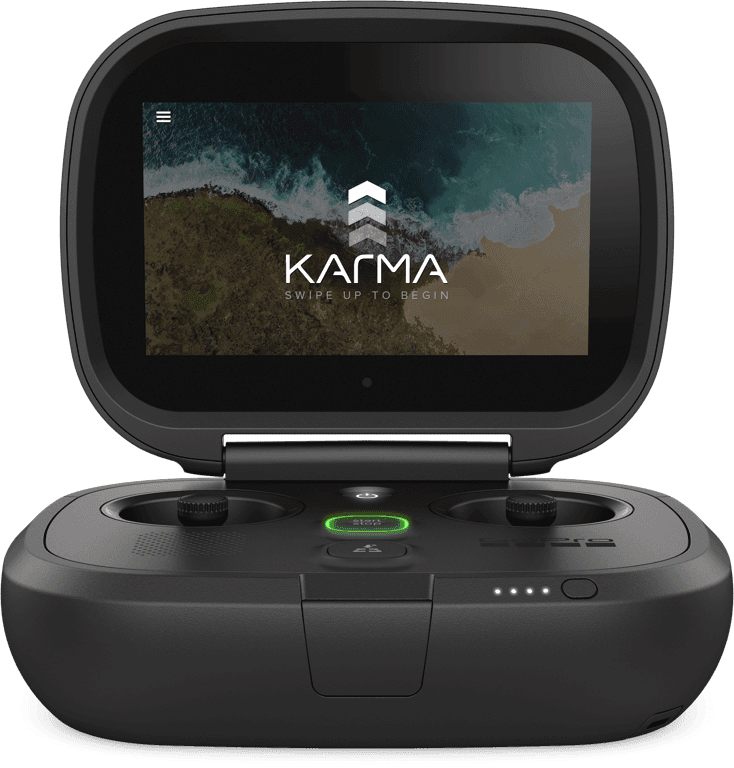
The GoPro Karma drone was designed to be the most user-friendly drone on the market. With a simple, minimal interface, Karma made it easy for new pilots to get in the air, capture aerial content, and return safely without the complexity often associated with drones.
My Role
While on the Karma team at GoPro, I worked across a wide range of design challenges that included:
- Defining new interaction scenarios
- Designing the user interface
- Establishing a design system
- Creating hardware behavior patterns
- Building prototypes to test concepts across teams
This end-to-end involvement gave me the opportunity to influence both product and system-level design decisions.
Design Opportunity
The karma drone was designed to enable new pilots to easily get into the air, capture content and then return safely. What set Karma apart was its contextual interface, which showed only the most relevant information when users needed it most. The goal was to lower barriers for beginners while still offering flexibility for advanced pilots.
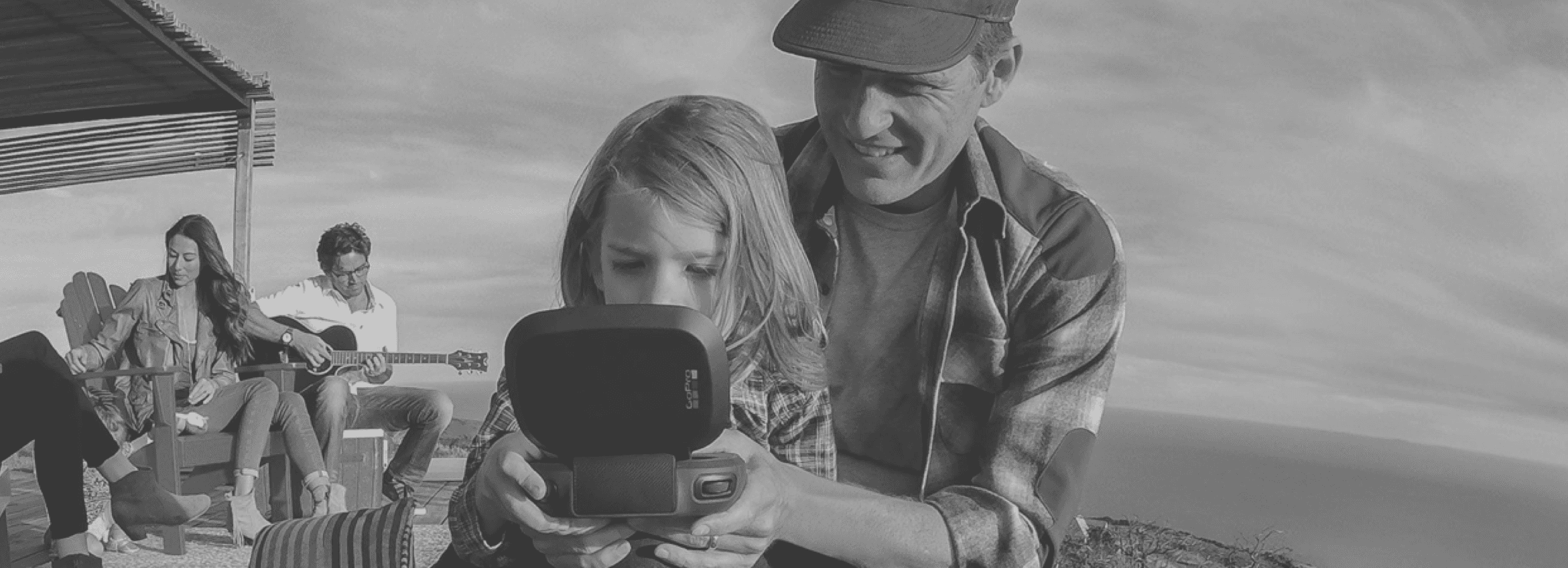
“The controller is dead simple and fun!”
The Karma System
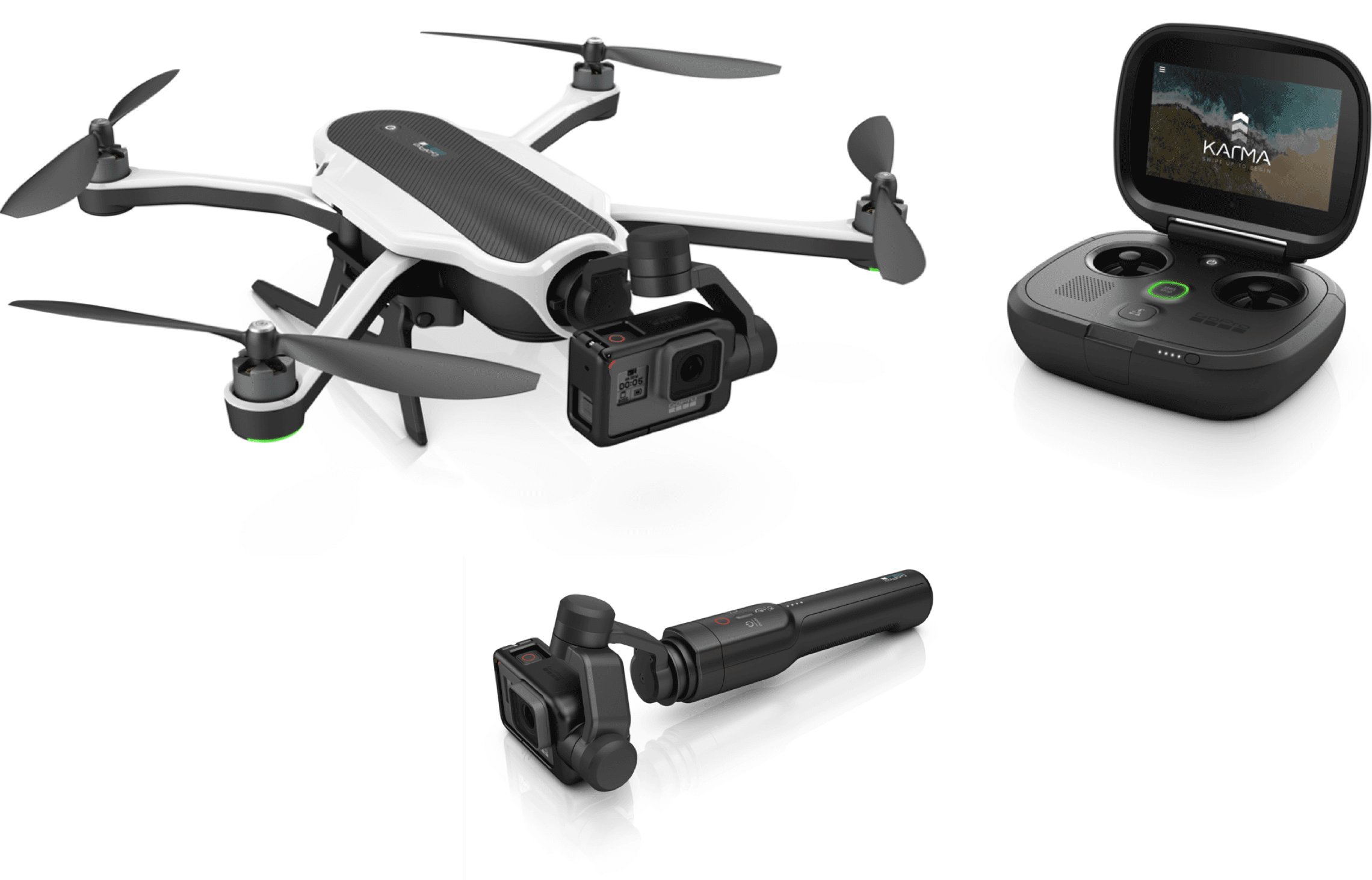
The Karma ecosystem included:
- Drone as the core flying system
- Controller with the live UI
- Stabilizer to support the GoPro camera, removable for handheld use
- Grip for handheld capture using the same stabilization technology
This modular system allowed users to move seamlessly between aerial and handheld filming.
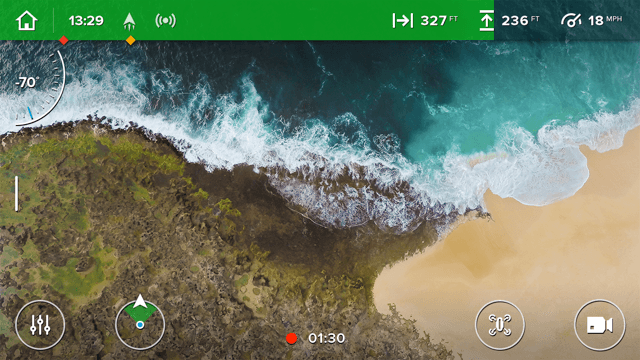
Flight HUD
The Flight HUD was the primary interaction point, giving users live video preview, media access, settings, camera modes, shot paths, and notifications. Because piloting a drone can feel intimidating, the design team focused on keeping the interface approachable. No matter where a user navigated, they were always one step away from returning to the Flight HUD.
Auto Shot Paths Redesign
Auto Shot Paths helped close the gap between novice and professional pilots by providing easy-to-use, predefined cinematic flight paths.
As the lead designer for the Auto Shot Paths update in late 2016, I improved the existing experience and scaled the design to support new moves. Before the redesign, the system included Dronie, Cable Cam, Orbit, and Reveal. With the update, we added Multi-Point Cable Cam and Follow Me.

Design Evaluation
Through feedback from users, flight testers, and internal reviews, I identified areas for improvement that included:
- Navigation and setup flow
- Discoverability of features
- Placement and clarity of icons
- Limited access to on-screen flight controls
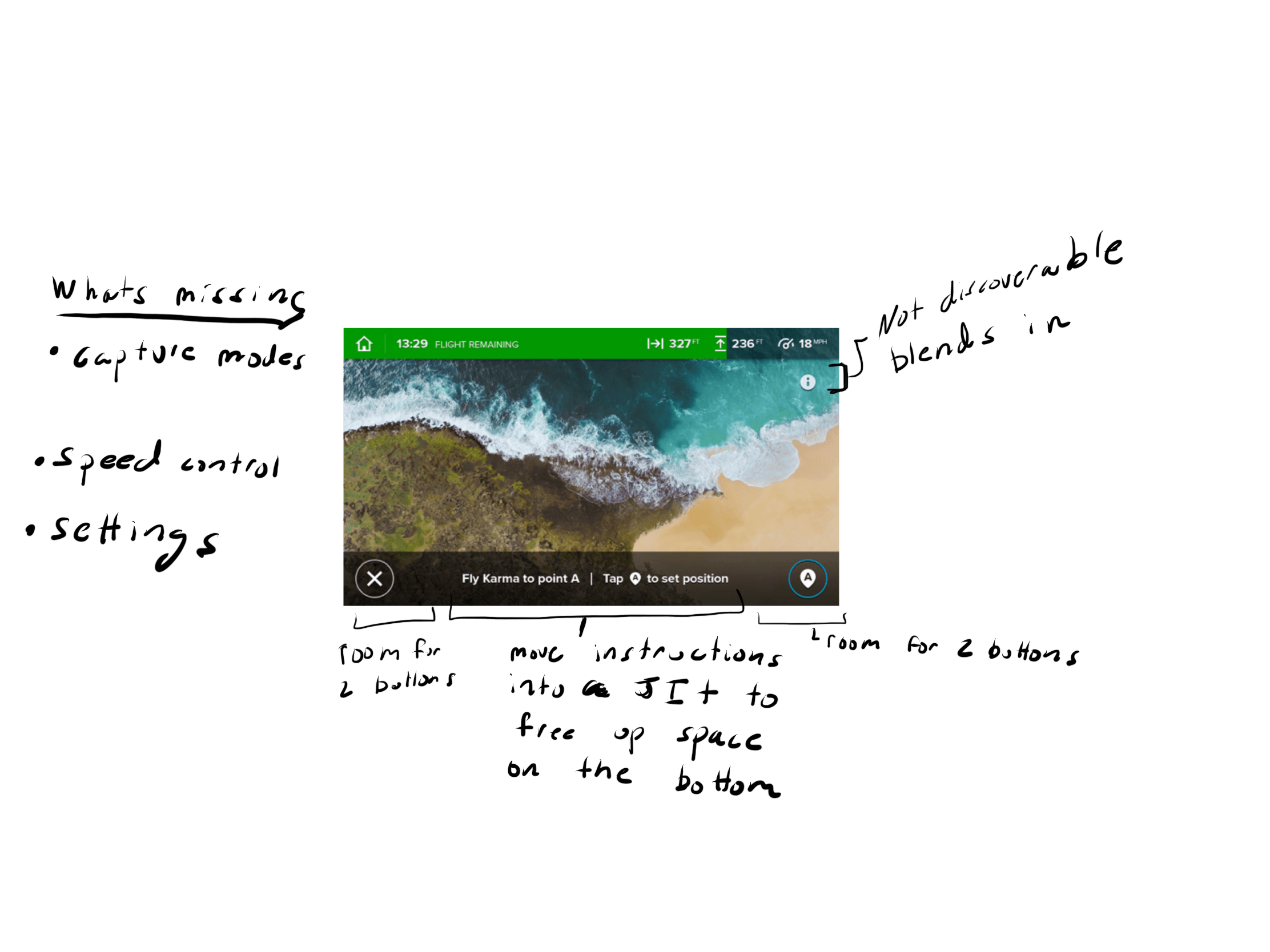
Process
I sketched and iterated through multiple concepts, testing different approaches for navigation and setup. Prototypes built in Principle demonstrated interaction flows and validated design directions.
Sketches
Updated Design
The redesigned experience gave users greater control and flexibility. Key improvements included:
- Adjusting drone speed during setup
- Accessing photo and video settings directly
- A dedicated settings area for clarity
- A more scalable framework for adding future shot paths

Prototype
This prototype highlights the updated experience and the new shot path Multi-Point Cable Cam which expands upon the capabilities of the Cable Cam shot path. The user will select Cable Cam, set three points and then start the shot path.
Implementation
To ensure smooth handoff, I created prototypes and detailed interaction specifications outlining states, behaviors, and animations. This documentation guided engineering throughout the build process. Here are a few screens from the interaction spec for the auto shot paths.
Interaction Documentation
Design System
In addition to product work, I created a design system for Karma. Although not part of the official project scope, I recognized the need for consistency and efficiency. I developed a robust set of Sketch symbols, including buttons, inputs, alerts, and navigation patterns. These helped streamline workflows and gave the team a shared toolkit for building designs faster.
UI Toolkit